

Widget Builder
Widget Builder
Section titled “Widget Builder”Overview
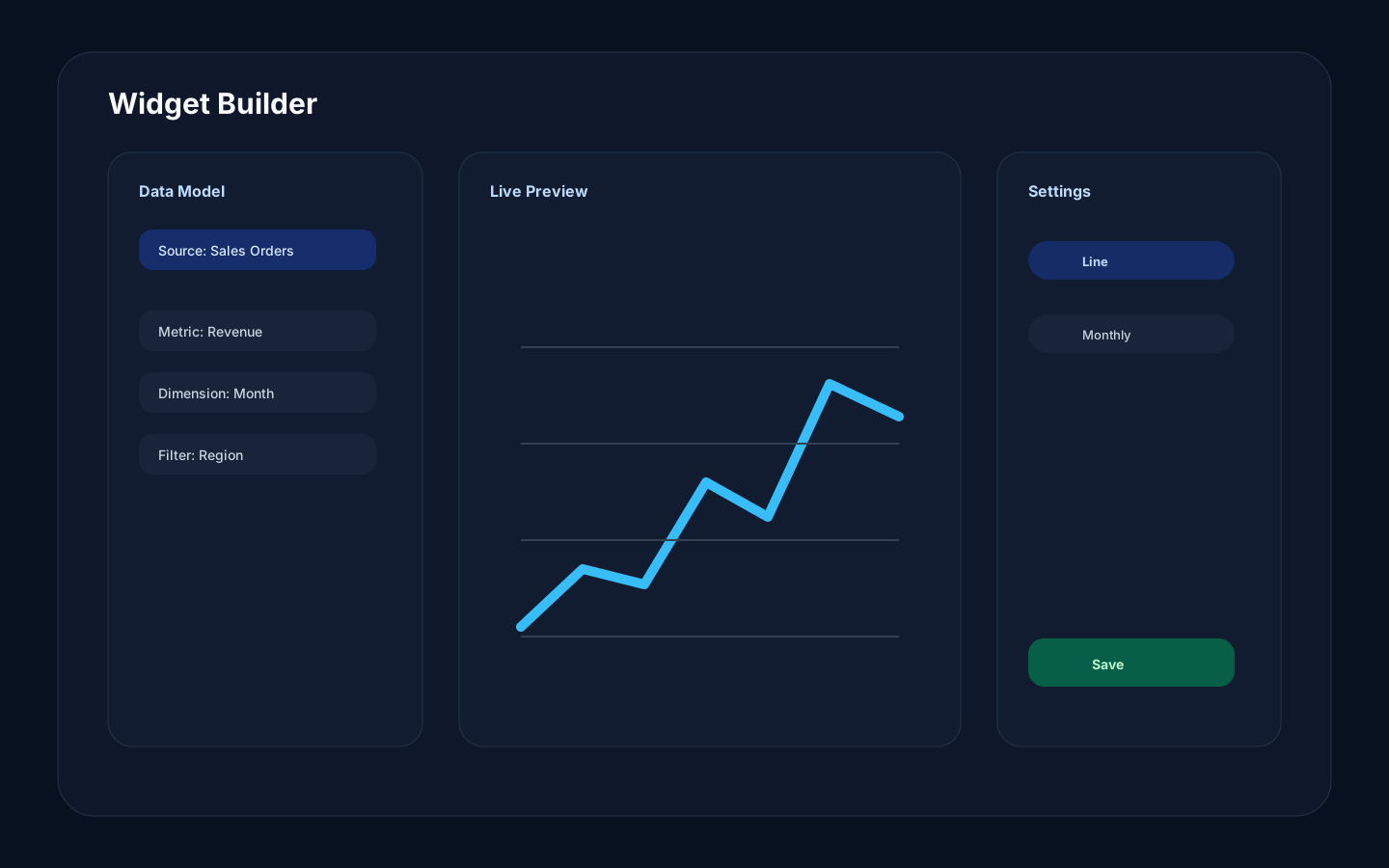
Section titled “Overview”The Widget Builder turns governed catalog data into a dashboard widget. It lets you choose a source, select fields, configure the visualization, preview the result, and save the widget.
How it works
Section titled “How it works”The builder reads the catalog instead of asking you to type technical identifiers. You select business-friendly field names, metrics, dimensions, filters, timelines, and display options. Rokks compiles the selection into a query and returns preview rows before the widget is saved.
Step-by-step
Section titled “Step-by-step”- Open a dashboard.
- Click Add Widget or edit an existing widget.
- Choose a data source.
- Select the visualization type.
- Add metrics, dimensions, time fields, filters, sorting, or table columns.
- Review the live preview.
- Save the widget.
Common mistakes
Section titled “Common mistakes”Do not build a widget before the source metadata is clean. Poor names and wrong types make the builder harder to use.
Do not use a chart type just because it is visually interesting. Choose the type that answers the question.