

Job Queue
Job Queue
Section titled “Job Queue”Overview
Section titled “Overview”The Job Queue shows long-running work such as file loads, web syncs, AI generation, tenant operations, and maintenance tasks.
How it works
Section titled “How it works”Each job has a type, status, progress, steps, result, and error if something failed. Jobs continue server-side even if the browser closes. The queue is the best place to check whether work is active, complete, cancelled, or failed. A terminal status describes that job handler; for a parent/child workflow, DONE can mean that the parent safely queued a child rather than that every downstream effect has finished.
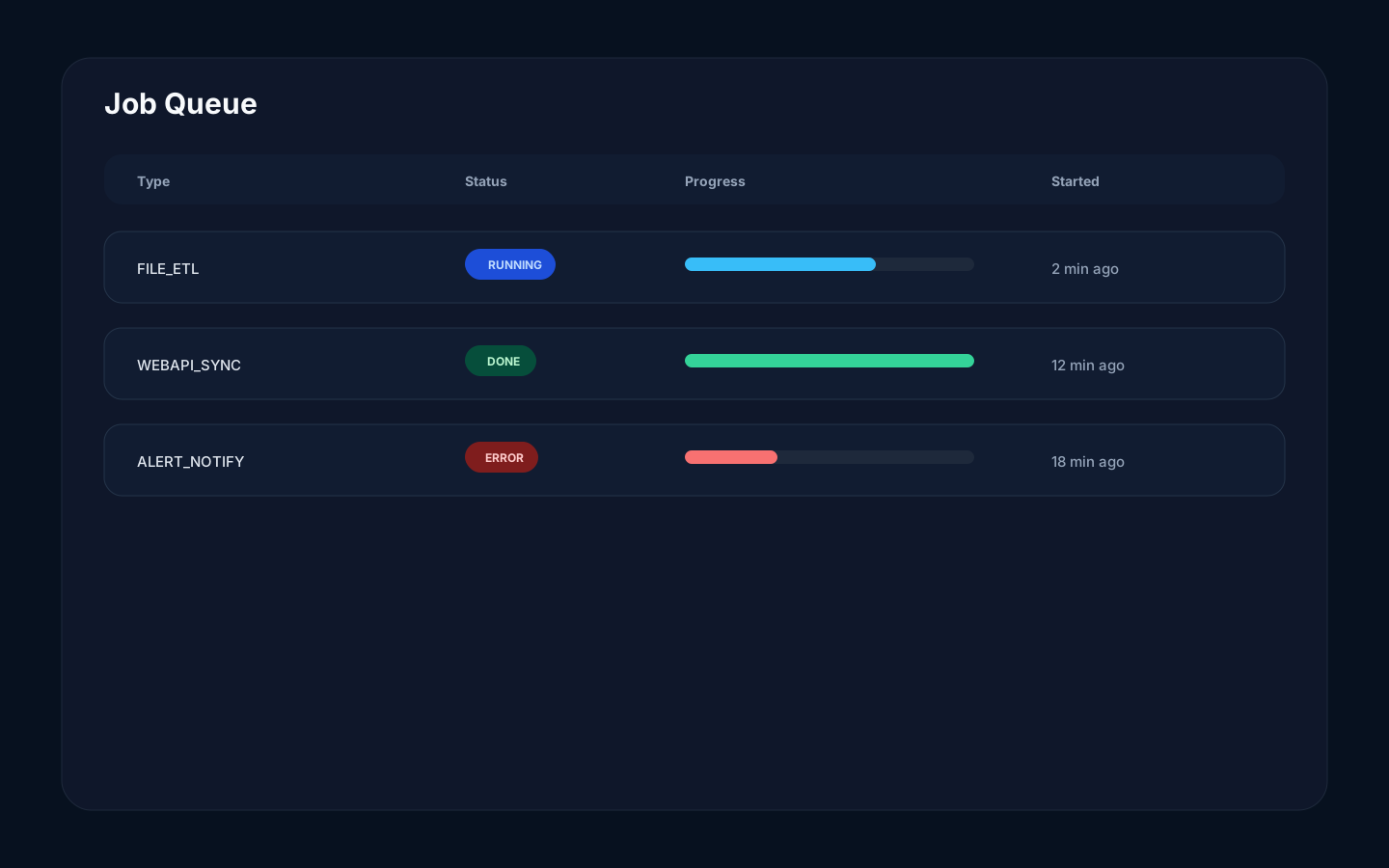
Step-by-step
Section titled “Step-by-step”- Open Job Queue.
- Filter or scan for the relevant job type.
- Open the job details.
- Review steps and progress.
- If failed, read the error and affected resource.
- Fix the source issue and rerun the user action if needed.
Common mistakes
Section titled “Common mistakes”Do not start the same operation repeatedly because a spinner is still visible. Check the job queue first.
Do not ignore partial failures. A job may complete some steps and fail on final persistence or cleanup. When end-to-end completion matters, inspect the result, any child job, and the affected resource instead of relying on the parent status alone.