
User Manual
Learn the UI: data fabric, dashboards, widgets, alerts, jobs, and Sidekick.
Rokks is an analytical intelligence platform for turning operational data into governed dashboards, alerts, and reusable data products. These docs explain how to use the product and how to integrate it into a supported deployment without exposing private implementation details.
Draft visual coverage. This edition documents and pictures every source-owned UI mode. Read the provenance label and caption on each image: BETA PRODUCT and LIVE PRODUCT identify reviewed captures, while MOCKUP and CONCEPTUAL ILLUSTRATION identify non-captured visuals. Source-derived placeholders will be replaced with approved ACME/example.com product captures where configured states become available; no confidential customer image or data is used.
User Manual
Learn the UI: data fabric, dashboards, widgets, alerts, jobs, and Sidekick.
Integrator Guide
Understand public architecture, scoping, APIs, worker jobs, and operations.
Tutorials
Follow complete workflows from a source system to a live dashboard or alert.
Reference
Look up capabilities, job types, data types, route families, and error classes.
Rokks has three working areas. The Data Fabric brings external data into governed tables. Dashboards turn those tables into visual applications. Operations tools show job progress, alerts, service health, tenant state, and recovery workflows.
The product is built for teams that need more than a charting tool. A data source can be uploaded, transformed, loaded, monitored, alerted on, and reused across dashboards. Integrators get a documented public model for deployment, authentication, scoping, and automation, while users get task-oriented guidance inside the app through the Manual drawer.
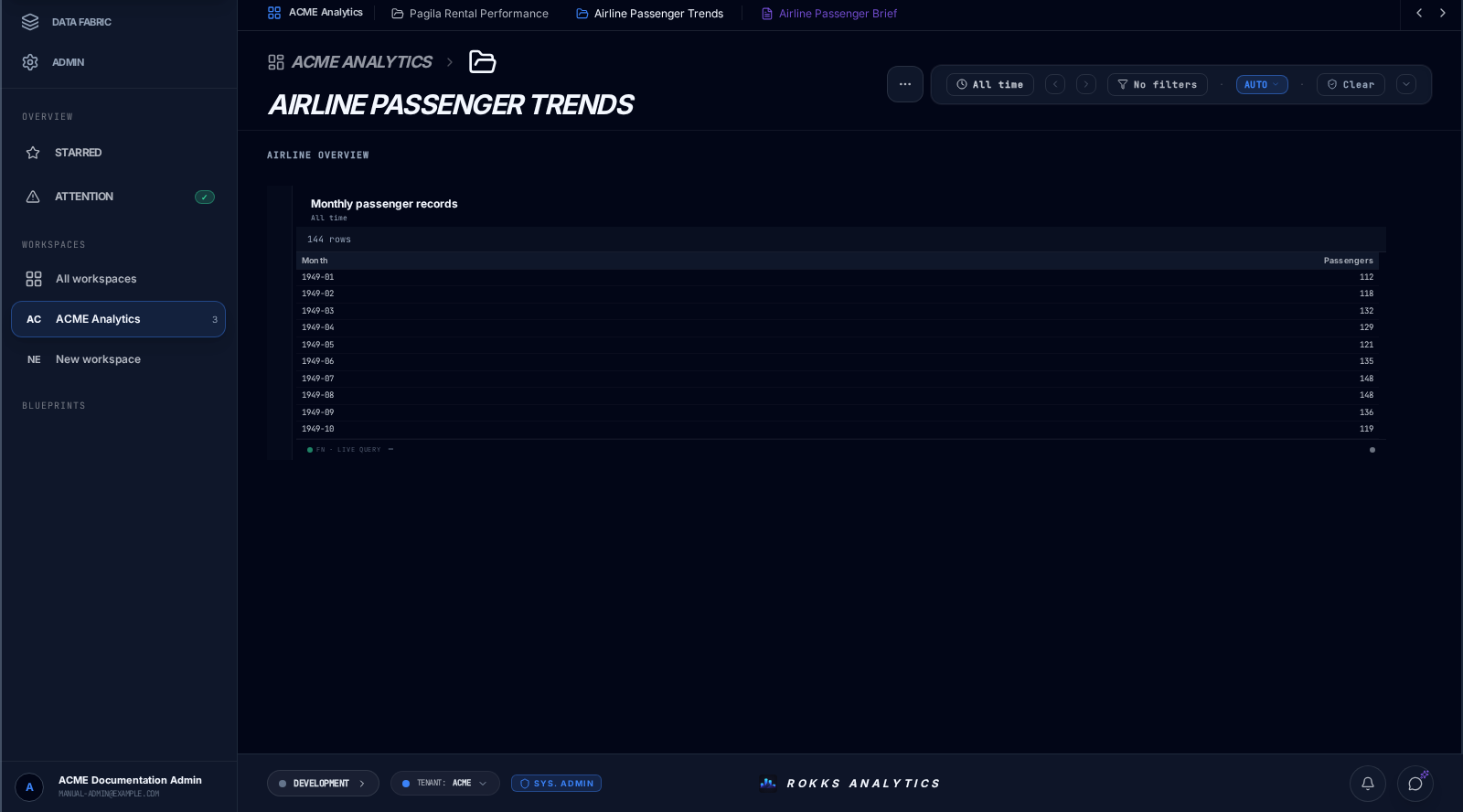
If you are new to Rokks, read Platform Overview, then complete Quick Start and the Pagila maiden flight. If you operate the platform, start with Architecture and Worker Jobs.