
Android Client Integration
Overview
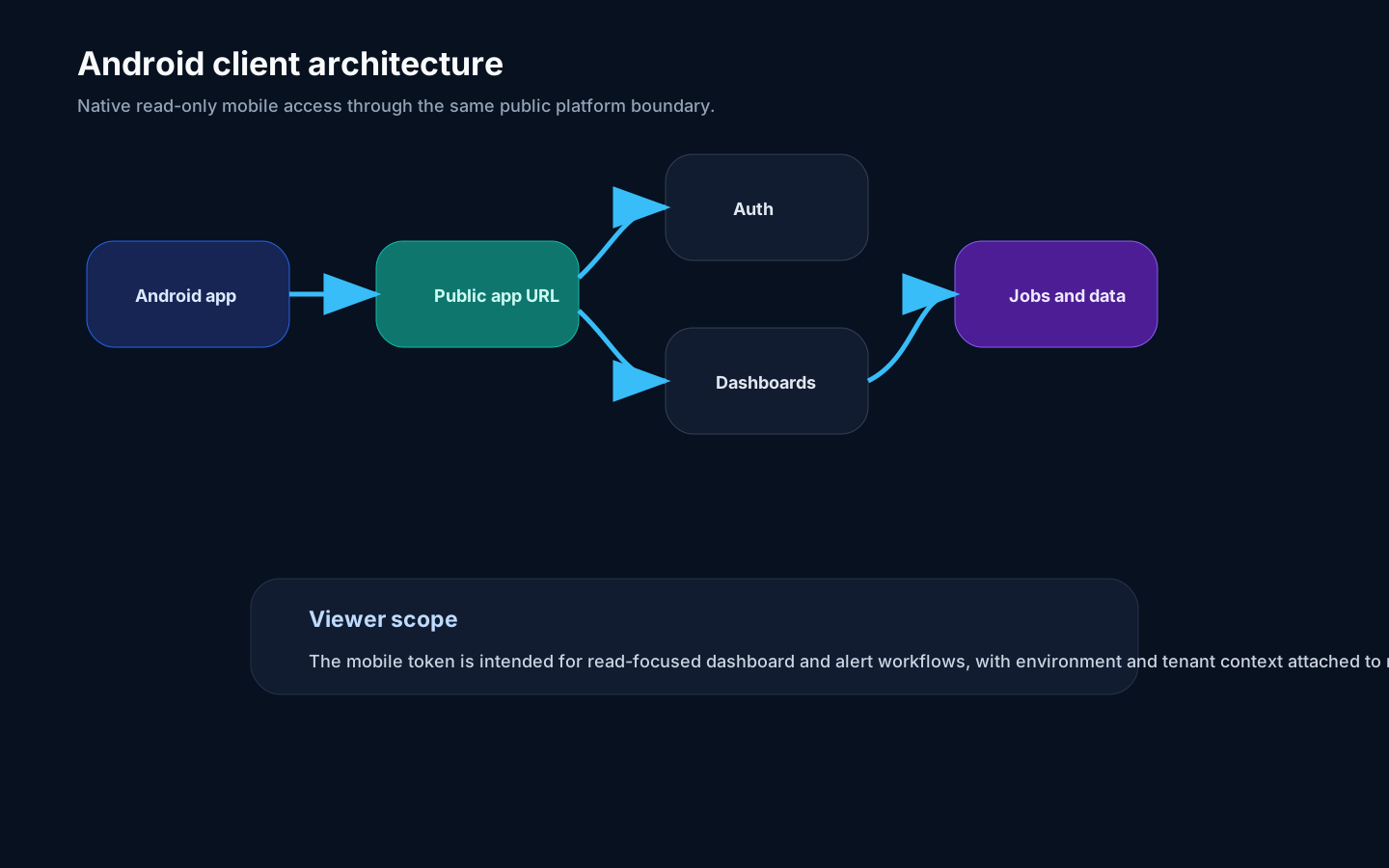
Section titled “Overview”The Rokks Android app is a native read-focused client for dashboards, alerts, and mobile operational awareness. It connects through the same public application boundary as the browser and uses environment and tenant scope on authenticated requests.
How it works
Section titled “How it works”The app starts by validating the organization’s Rokks server URL. After sign-in, it stores a mobile viewer session, resolves the allowed environment and tenant, and uses that scope for dashboard and alert requests. The client is intentionally narrower than the web app: it is built for viewing and notification workflows rather than source editing, dashboard authoring, or administration.
Authentication methods depend on what the server reports as enabled. Passkeys, native Google sign-in, magic links, and recovery-code flows can be presented when supported by the deployment. The current deep-link handler is limited to the rokks://auth return used by mobile authentication. Dashboard and notification deep-link routing is not implemented in this Android beta.
Step-by-step
Section titled “Step-by-step”- Expose the supported public application URL to mobile users.
- Configure mobile-capable authentication methods.
- Confirm users have environment and tenant access.
- Enable mobile notification infrastructure if native push is required.
- Validate a dashboard list and dashboard detail flow.
- Validate an alert or notification event flow.
- Document which workflows remain desktop-only for your users.
Common mistakes
Section titled “Common mistakes”Do not route the Android app to private backend service addresses. It should use the same public platform boundary intended for supported clients.
Do not grant broader permissions just because the client is mobile. Mobile viewer access should stay scoped to the user, environment, tenant, and supported read-focused operations.